Docker Root Directory
Docker Root Directory

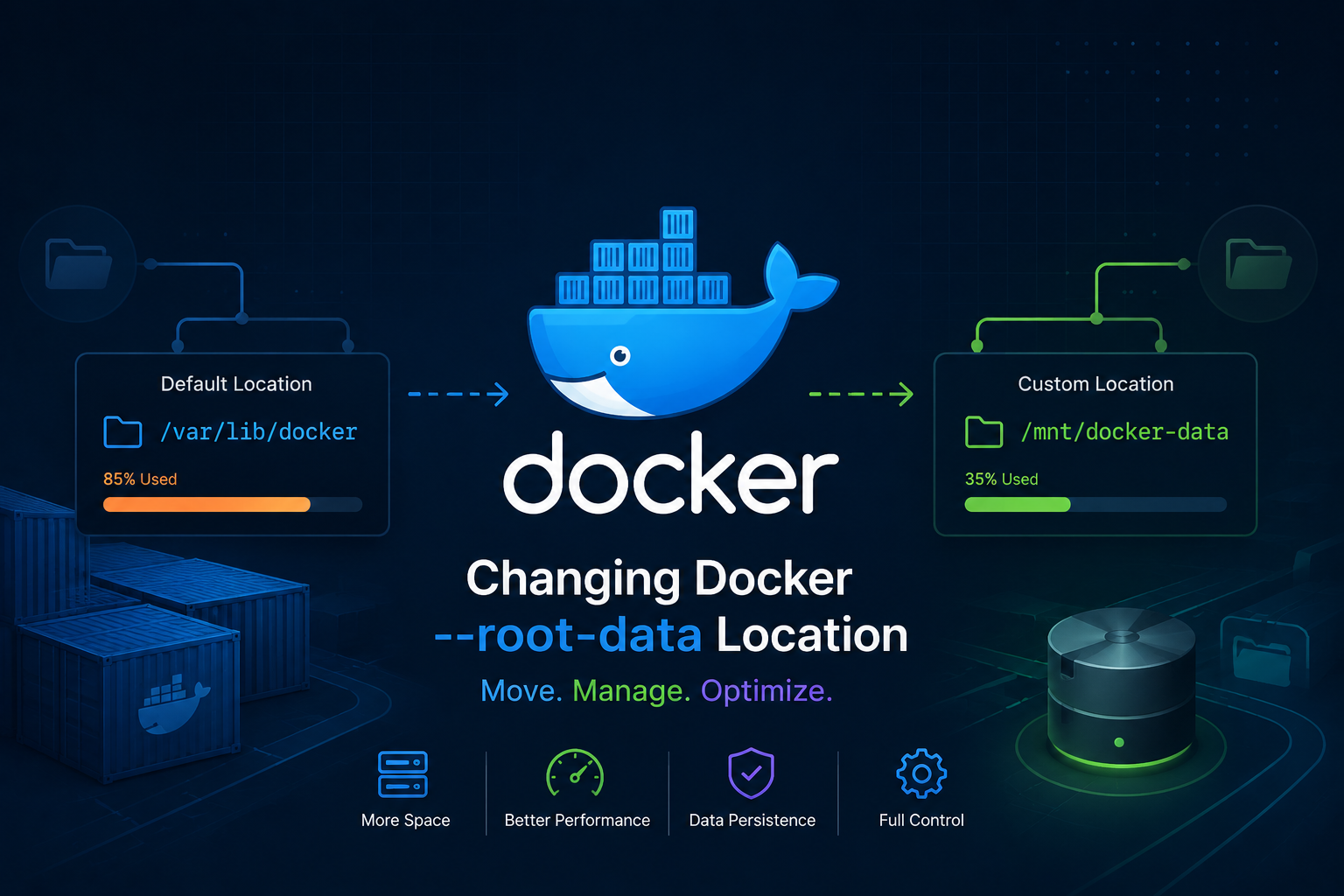
By default docker stores all of it’s data in /var/lib/docker/. So the root directory gets busy. To keep root directory being filled up we can move the docker’s --data-root into somewhere else.
So we’ll create a storage partition/volume and mount docker --data-root
there:
stop the docker daemon
sudo systemctl stop docker.service
sudo systemctl stop docker.socket
Method 01
edit the /etc/docker/daemon.json file
add this key in /etc/docker/daemon.json :
{
    "data-root": "/docker"
}
Important
Method 01 is the preferred method.
Method 02
edit the /lib/systemd/system/docker.service
Add the following line with the custom directory
# comment out this line (you can edit the line instead of commenting out)
# ExecStart=/usr/bin/dockerd -H fd:// -- containerd=/run/containerd/containerd.sock

# add this line
ExecStart=/usr/bin/dockerd --data-root /docker -H fd:// --containerd=/run/containerd/containerd.sock
copy the existing docker data
sudo rsync -aHAXP /var/lib/docker/ /dockerNote
you can skip this step if you want docker to behave like new installation or don’t mind losing your previous containers and images data.
restart the docker daemon
sudo systemctl daemon-reload && sudo systemctl start docker
sudo systemctl status docker --no-pager
verify if docker root directory changed
ps aux | grep -i docker | grep -v grep
docker info --format '{{.DockerRootDir}}'
Refs:
Last updated on